
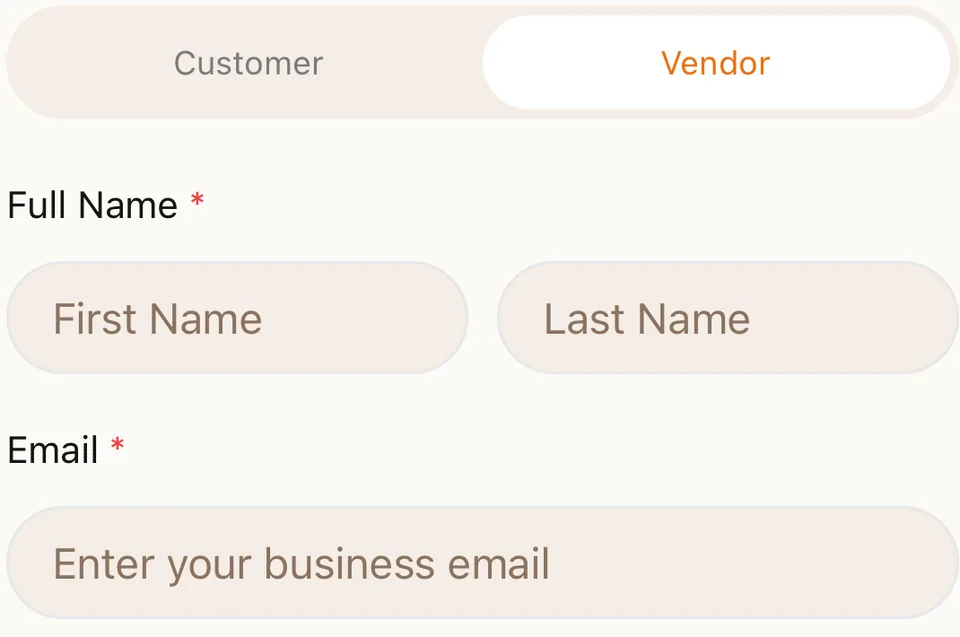
1. Create your vendor account
Choose Vendor on the app’s signup screen. Use email and password or Continue with Google, then follow the vendor onboarding steps.
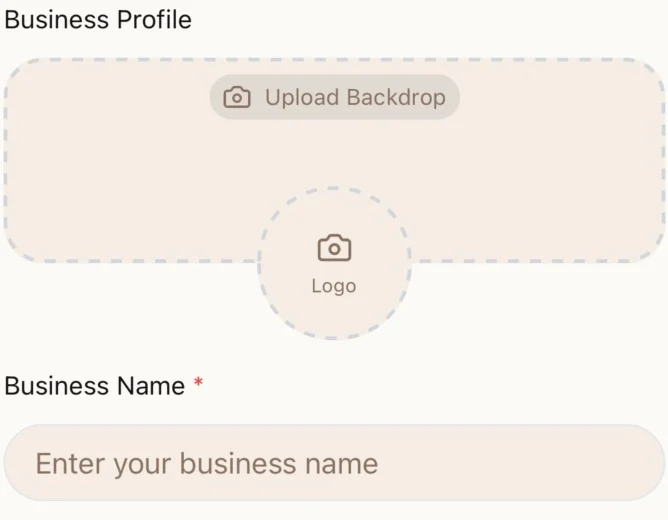
2. Tell us about your business
Add your business name, description, logo and backdrop, business type and contact details. Provide the registration or National Insurance information requested for your business type.
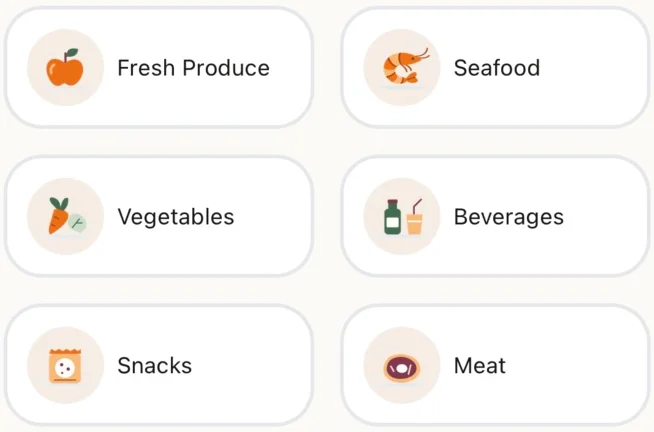
3. Set up your store
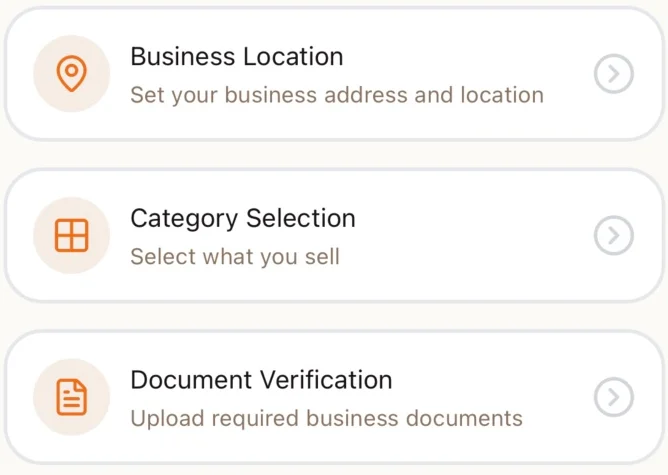
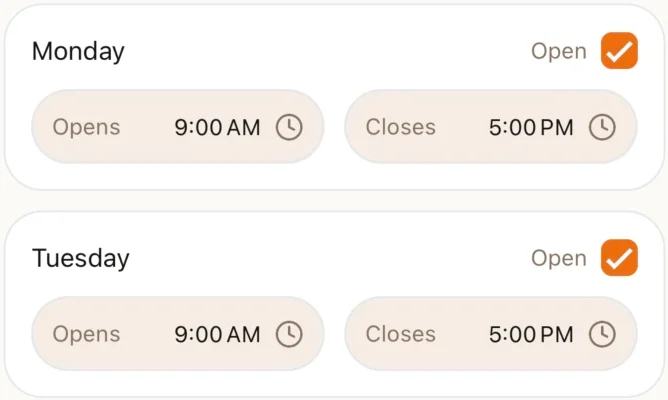
Choose your business location and product categories. Add operating hours and bank details. Check the required fields and tap Save & Continue to see anything that needs attention.
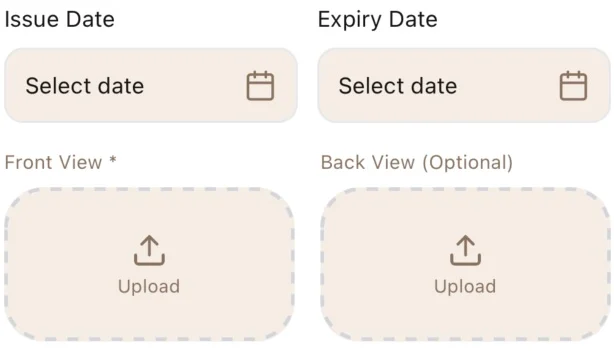
4. Complete document verification
Supply the identity and business documents requested in the app. Requirements differ for sole traders and other business types. Upload readable documents belonging to the business or authorised account holder.
5. Submit for review
Complete the remaining steps and submit your application. Vendor tools become available according to your approval and security setup. Registration does not guarantee approval or a particular review time.
6. Make the app part of your day
After approval, use your vendor tools to keep opening hours and product information up to date, manage incoming orders and review your store activity. Confirm fees and payment terms before selling; this page does not promise a commission rate or payout schedule.